
The Complete Guide to Image SEO

Image SEO is one of the most overlooked ranking opportunities. In 2026, Google Images, Discover, News, and even rich results rely heavily on strong image optimization. Done correctly, image SEO improves visibility, boosts click‑through rate, strengthens accessibility, and supports your main organic rankings.
This guide covers every important part of Image SEO — ALT attributes, filenames, captions, structured data, WebP formats, aspect ratios, and more.
1. ALT text: the strongest signal for Google
ALT text tells search engines what your image represents. It is also required for accessibility. The best ALT text:
- Describes the image simply and accurately
- Uses keywords naturally, not stuffed
- Adds missing context for readers
Good example:
“WebP vs JPEG comparison chart showing quality and file size differences.”
Avoid: keyword stuffing, irrelevant text, or empty ALT attributes.
2. Filenames matter more than you think
Before upload, rename files with meaningful names. Avoid default camera filenames.
Examples:
- Bad:
IMG_00231.png - Good:
webp-image-compression-example.webp
3. Captions help with engagement & context
Captions are optional but useful. Studies show users read captions 2× more often than body text. If your image supports a point, add a caption to reinforce SEO value.
4. Choose the right format: WebP or AVIF for 2026
Google prefers fast-loading images. In 2026, the recommended formats are:
- WebP — best balance, widely supported
- AVIF — superior compression for high-detail photos
PNG should be reserved for UI graphics or transparent elements.
5. Use proper dimensions for discoverability
Google Discover, News, and Image Search reward high-resolution visuals.
- Featured images: 1200–1600px width
- 16:9 images perform best
Ensure you include:
<meta name="robots" content="max-image-preview:large">
6. Structured data boosts image visibility
Adding schema markup helps Google understand your image’s purpose. Article pages should include the ImageObject within BlogPosting schema.
Example:
{
        "@type": "ImageObject",
        "url": "https://example.com/images/guide.webp",
        "width": 1200,
        "height": 675
        }
7. Compress without losing clarity
Slow images hurt rankings. Compress using:
- WebP at 70–85% quality
- AVIF at 60–80%
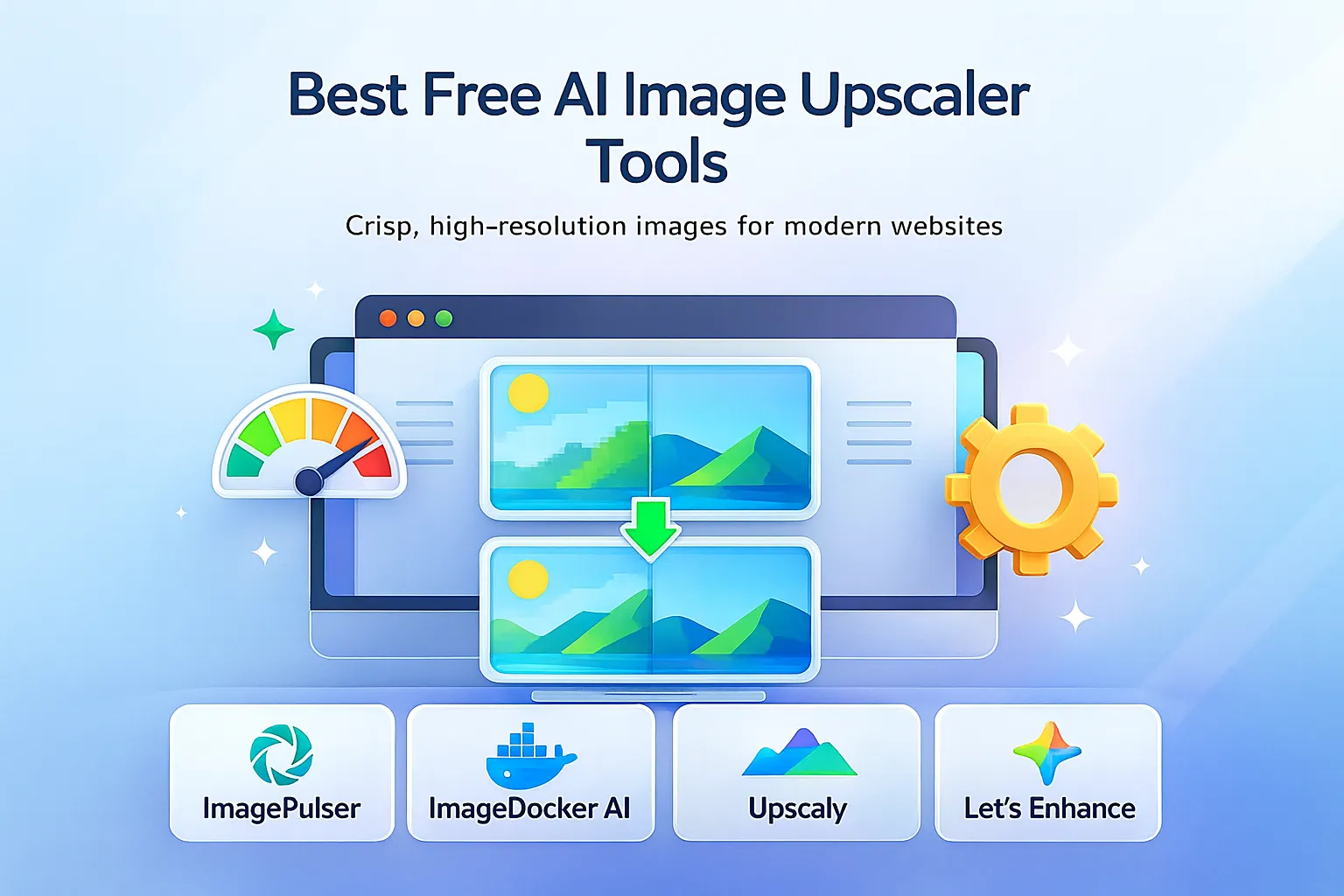
Tools like ImagePulser and ImageDocker help maintain quality while reducing weight.
8. Avoid SEO mistakes that harm rankings
- Using huge uncompressed PNGs
- Images with no ALT text
- Blurry or low-resolution hero images
- Wrong aspect ratio for Discover
- Embedding text inside images excessively
Final Thoughts
Image SEO is not complicated — but it is powerful. By consistently optimizing ALT text, filenames, captions, formats, and structured data, your content becomes far more discoverable. Pair this with fast-loading WebP or AVIF images, and Google will reward your site with better rankings and more traffic.
Comments (0)
No comments yet. Be the first to share your thoughts!
Leave a Comment